Advanced Google Business Profile Optimisation (All Business Types)
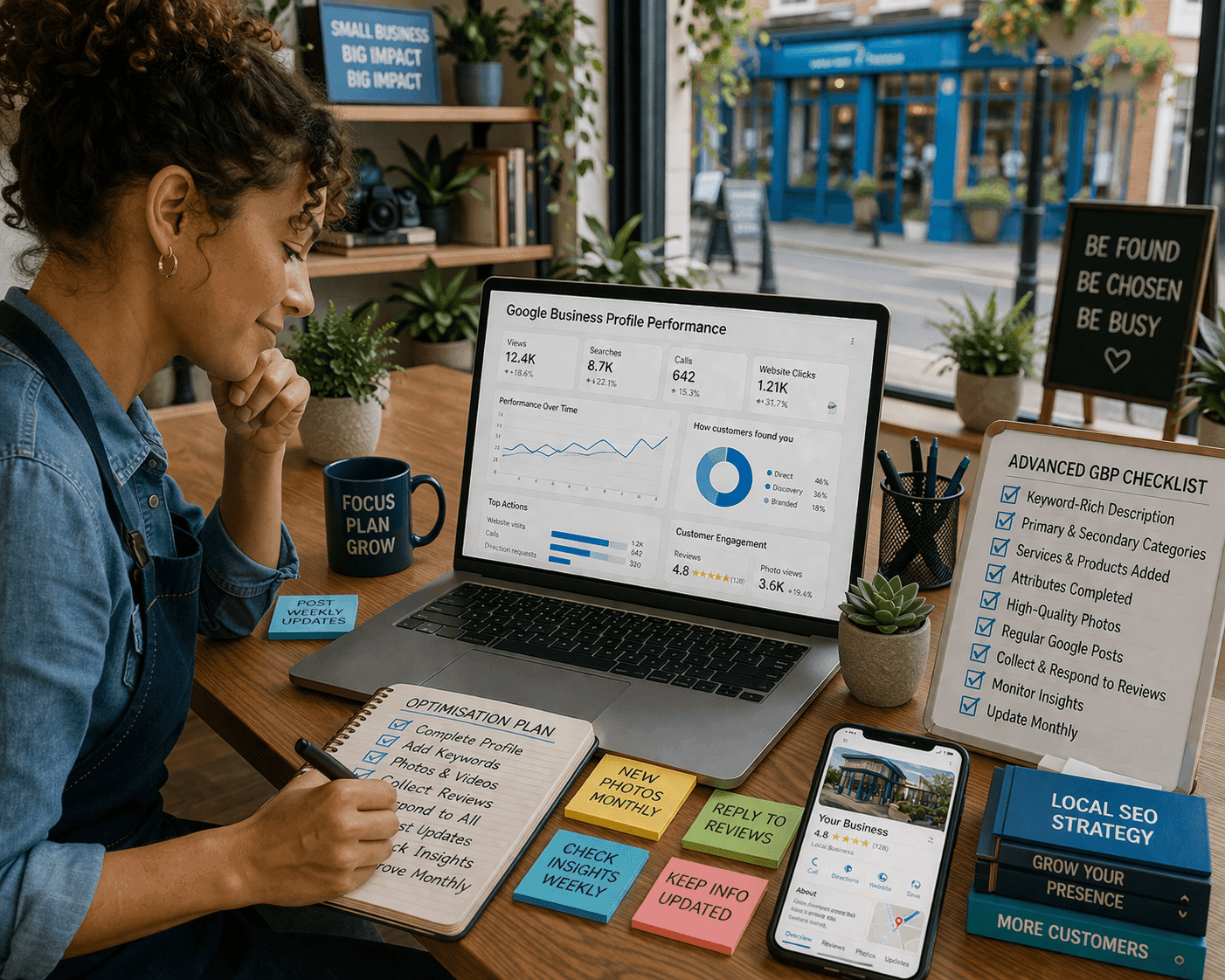
Take Your Google Business Profile Beyond the Basics
Why Advanced Optimisation Matters
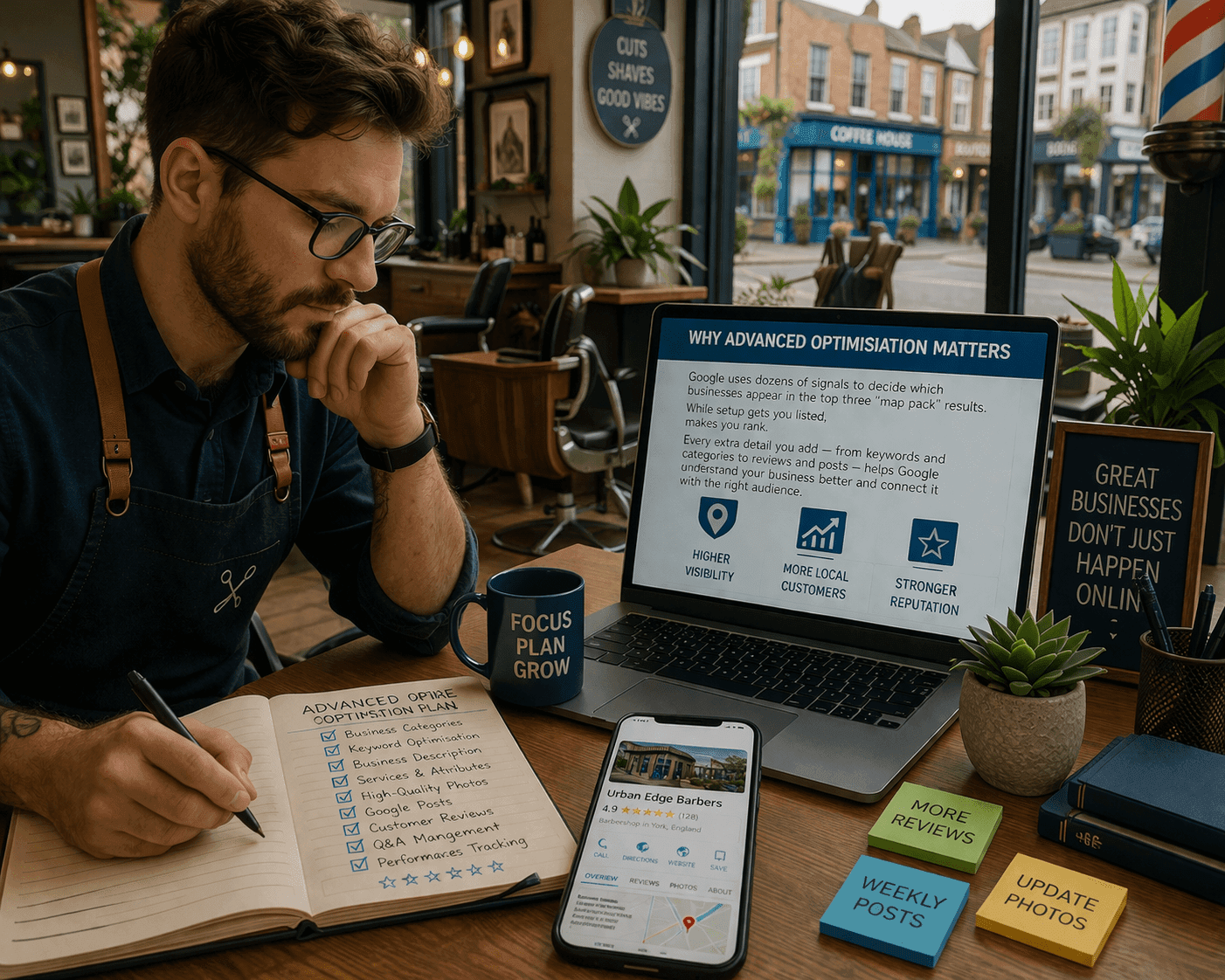
Google uses dozens of signals to decide which businesses appear in the top three “map pack” results.
While setup gets you listed, advanced optimisation makes you rank.
Every extra detail you add — from keywords and categories to reviews and posts — helps Google understand your business better and connect it with the right audience.
6 Advanced Steps to Optimize Your Google Business Profile
Follow these proven steps to maximize your local visibility

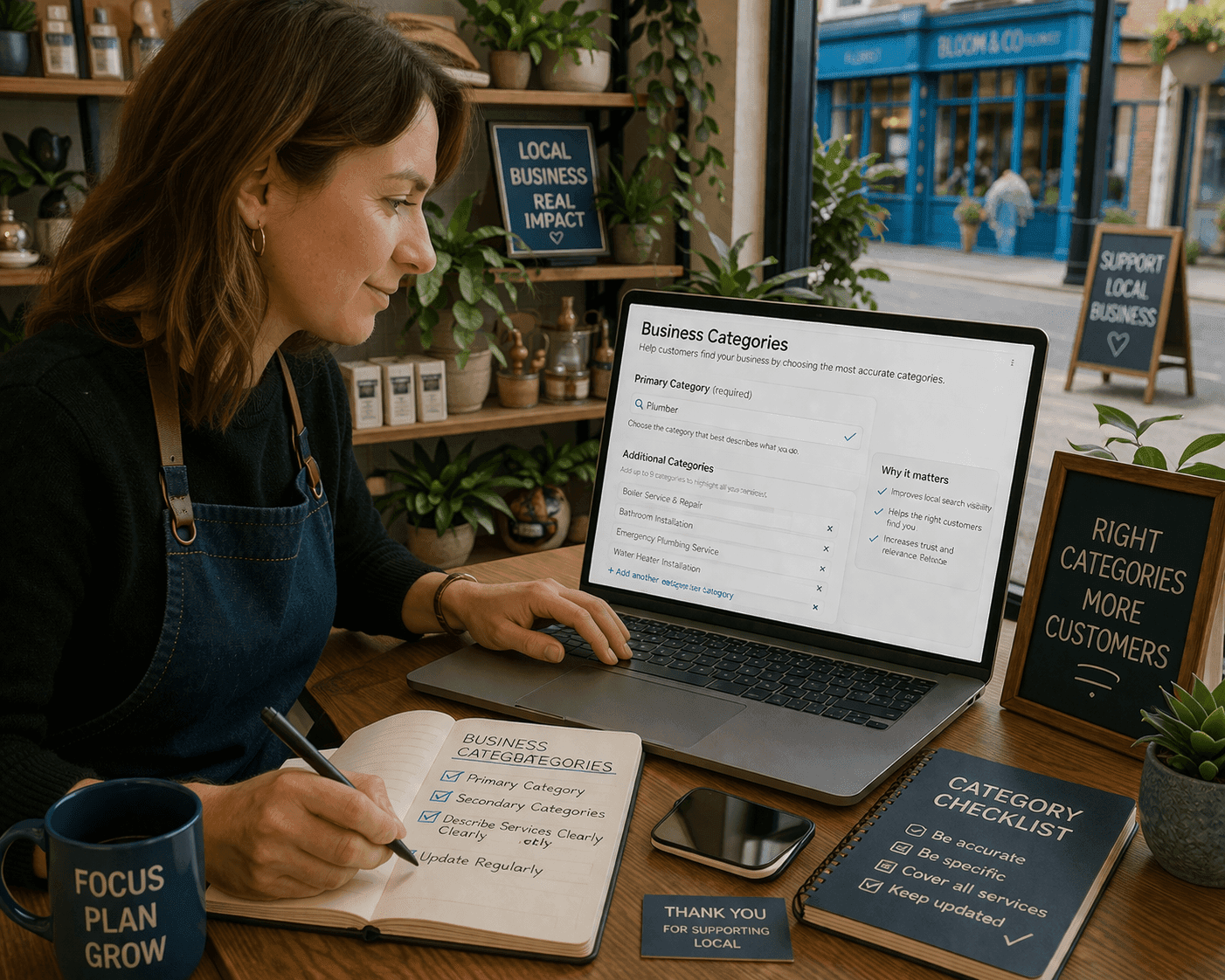
Choose the Right Business Categories
Your primary category should describe what you do, not what you sell.
For example:
- “Plumber” not “Boiler Installation”
- “Web Designer” not “Website”
You can add up to nine secondary categories to describe your additional services — use these wisely to cover your full range of offerings.
💡 Tip: Update your categories whenever you add new services or seasonal promotions.
Write an Optimised Business Description
Use this space (up to 750 characters) to highlight:
- What makes your business different
- The main areas you serve
- The benefits customers can expect
Use High-Intent Keywords in Services and Posts
Add local and service-based terms like:
- “Affordable Web Design in Rotherham”
- “Plumbing Repairs in Doncaster”
- “Beauty Clinic Sheffield”
Keep your GBP updated with new posts.
Share offers, events, or recent work. Consistent posting signals to Google that your business is active and relevant.

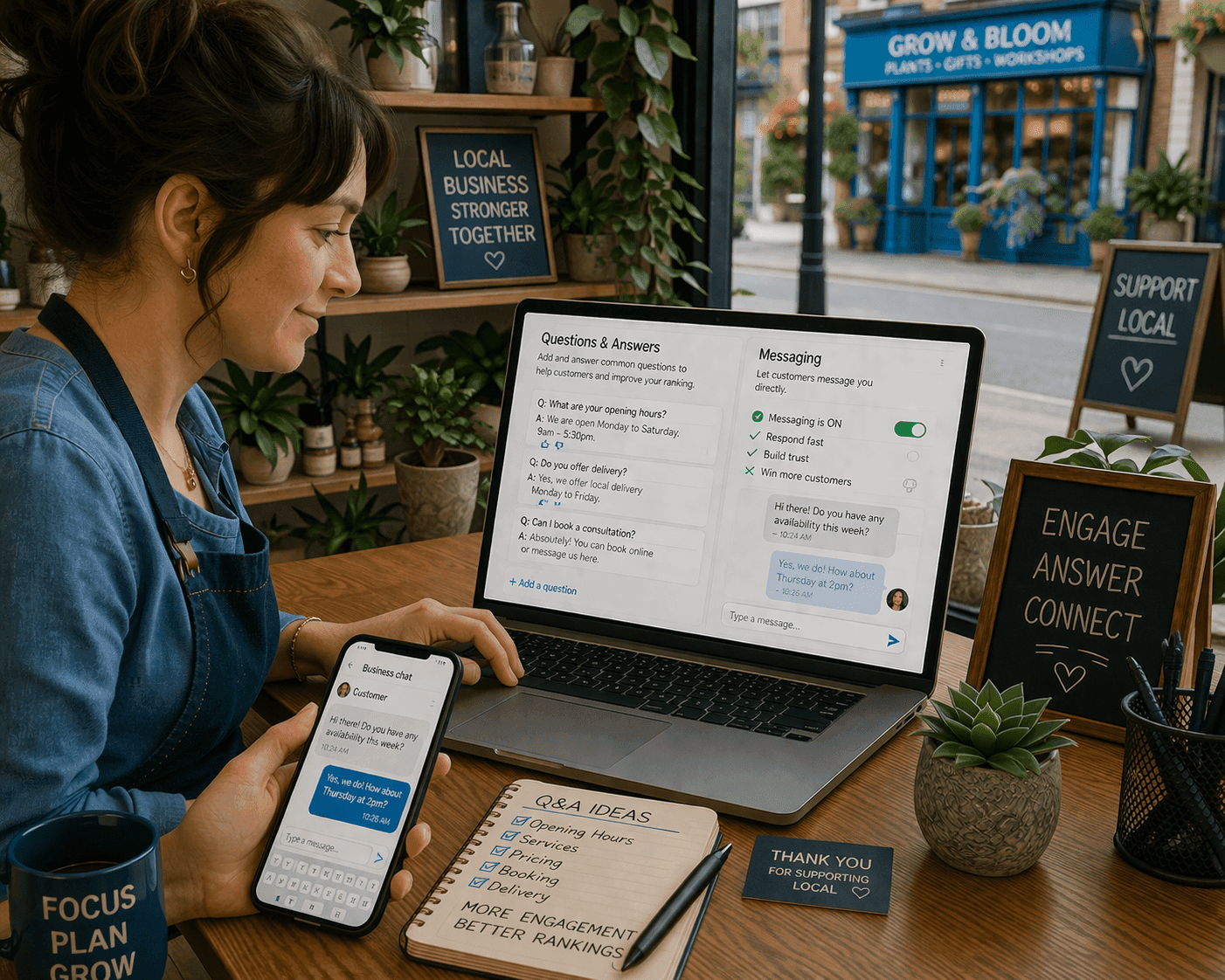
Add Q&A and Messaging
Add common FAQs yourself — it helps both customers and your rankings.
If you manage your profile via the Google Maps app, you can reply directly from your phone — perfect for busy local business owners.
Use Advanced Insights
- Search queries
- Views and clicks
- Phone calls
- Direction requests
6. Get Expert Help for Maximum Results
That’s where our team at InboxingProWeb can help.
We’ve developed proven optimisation frameworks to:
- Improve map pack visibility
- Build trusted local citations
- Add schema for structured data
- Create a natural link structure around your GBP
Turn Your Google Business Profile into a Local Growth Engine