Google Business Profile Setup & Optimisation Checklist
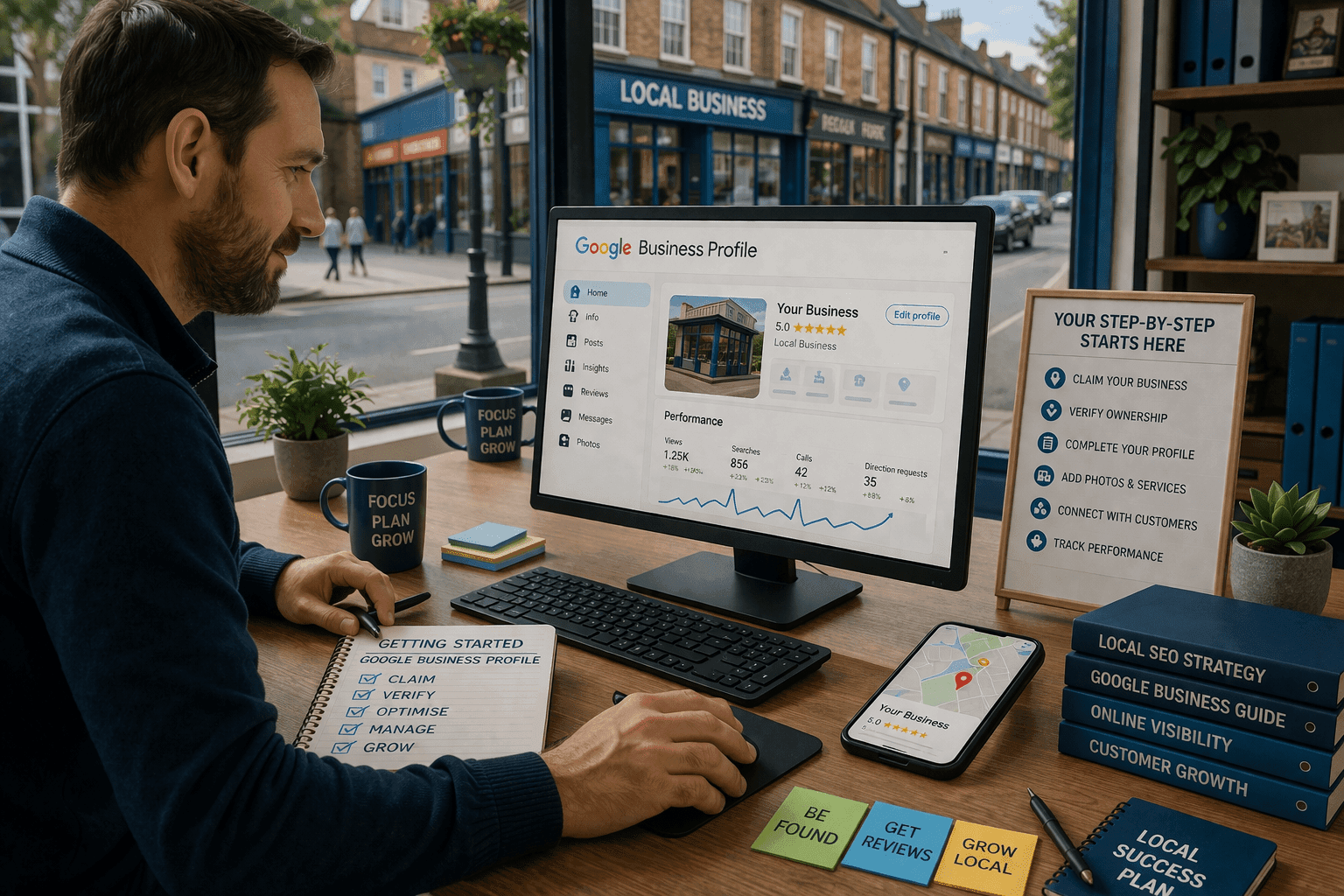
Make Sure Your Business Gets Found Locally
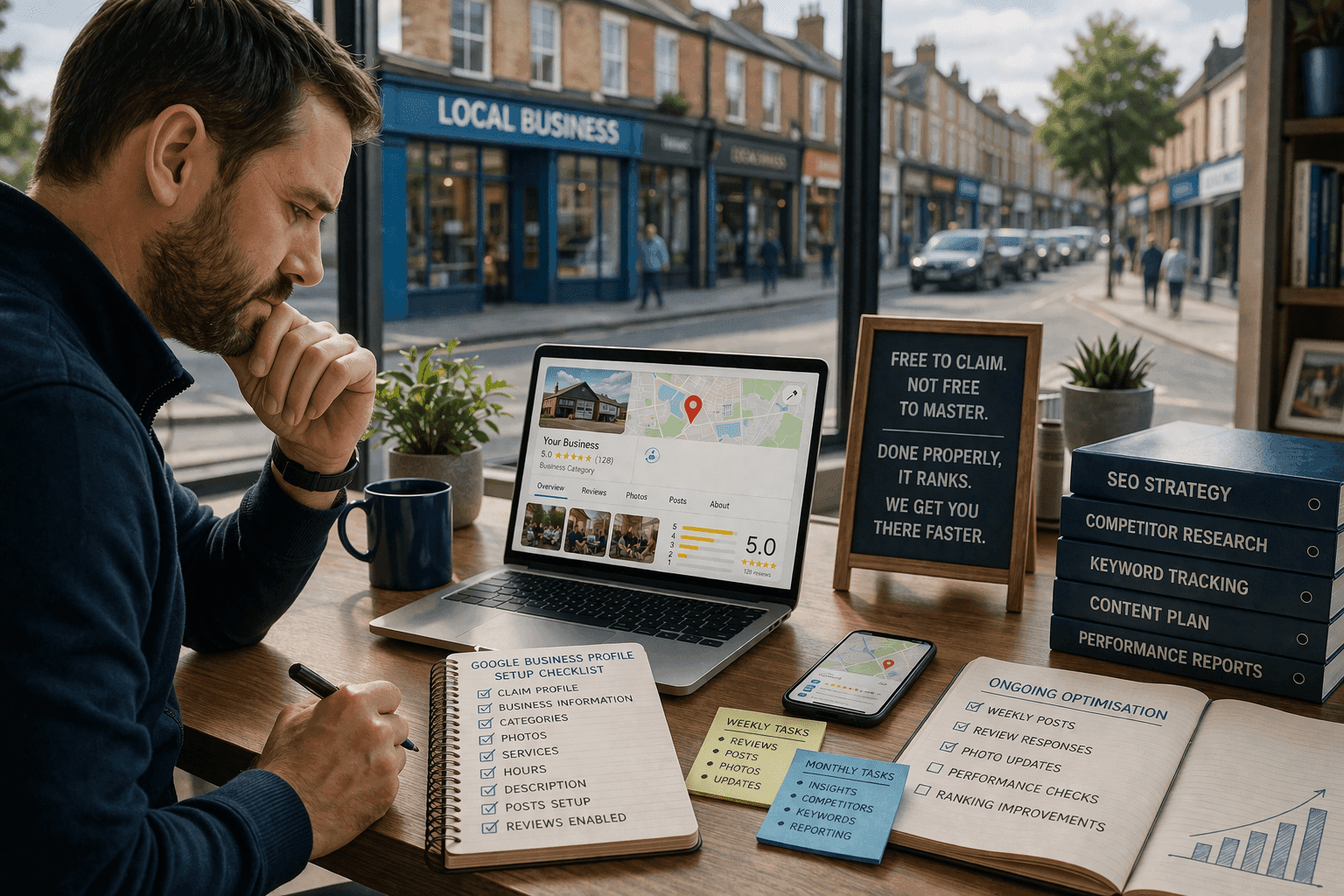
Creating a Google Business Profile (GBP) is free — but fully optimising it is what helps your business stand out in search results and on Google Maps.
This checklist will help you ensure every part of your profile is complete, accurate, and ready to attract new customers.
Whether you’re a small tradesperson, local retailer, or service provider, following these steps will build a strong online foundation that Google can trust.
10 Steps to Optimize Your Google Business Profile
Follow these proven steps to maximize your local visibility
Claim and Verify Your Business
Claim your GBP at Google Business Profile Manager
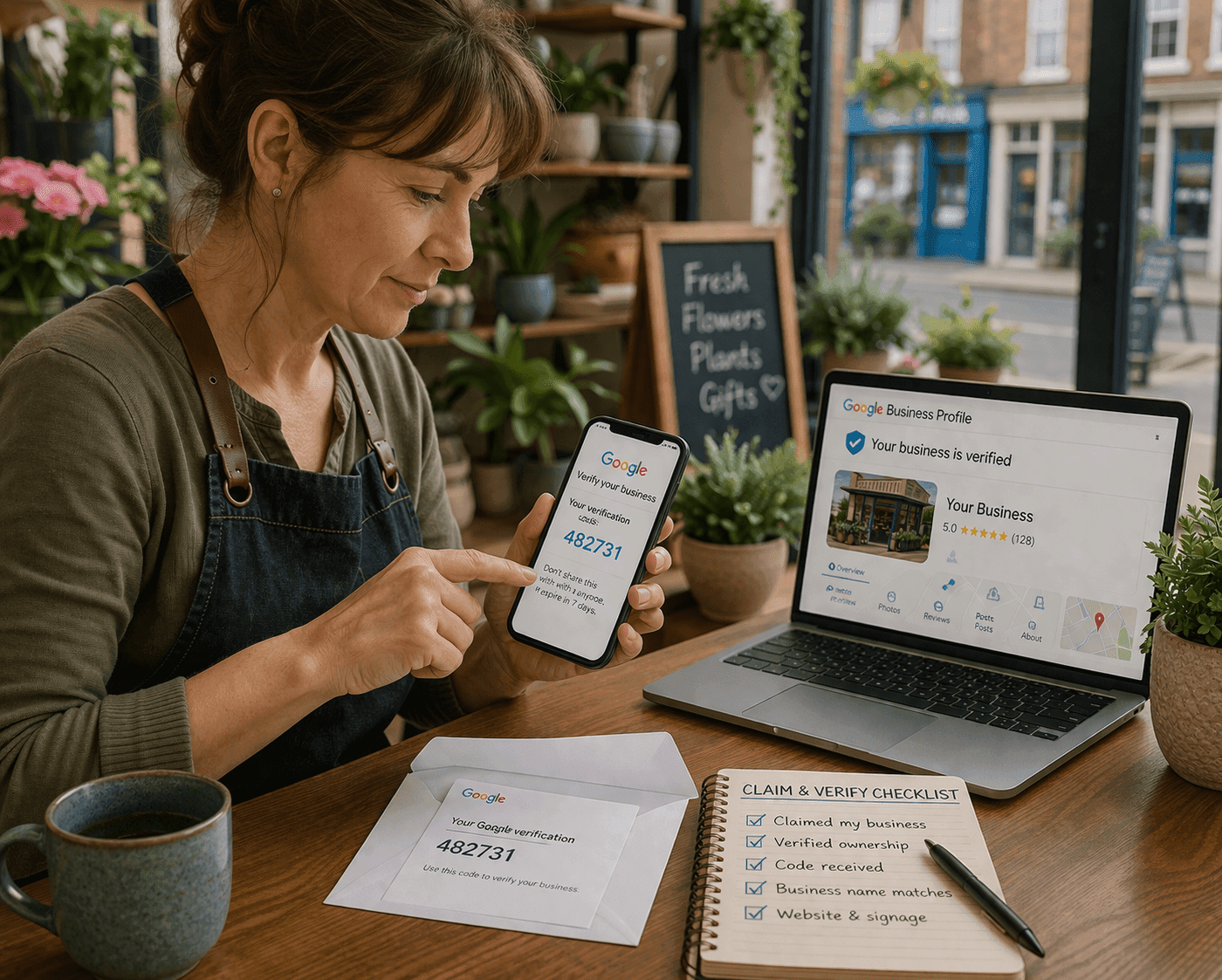
Once you’ve entered your business name and location, Google will send a verification code by post, phone, or email.
Checklist:
- Claimed your Google Business Profile
- Verified your ownership with Google
- Business name matches your website and signage
Add Accurate Business Information
Google wants to see clear, consistent information across your entire online presence. This is often referred to as NAP consistency — your Name, Address, and Phone number must match everywhere.
Checklist:
- Business address matches your website and local directories
- Primary phone number is correct
- Opening hours reflect your current schedule
- Website URL and appointment links added
Choose the Right Categories
Your primary category should describe your main business activity, while secondary categories can support other services you provide.
Checklist:
- Selected accurate primary business category
- Added relevant secondary categories
- Updated categories for new services or seasonal offers
Add Photos and Videos
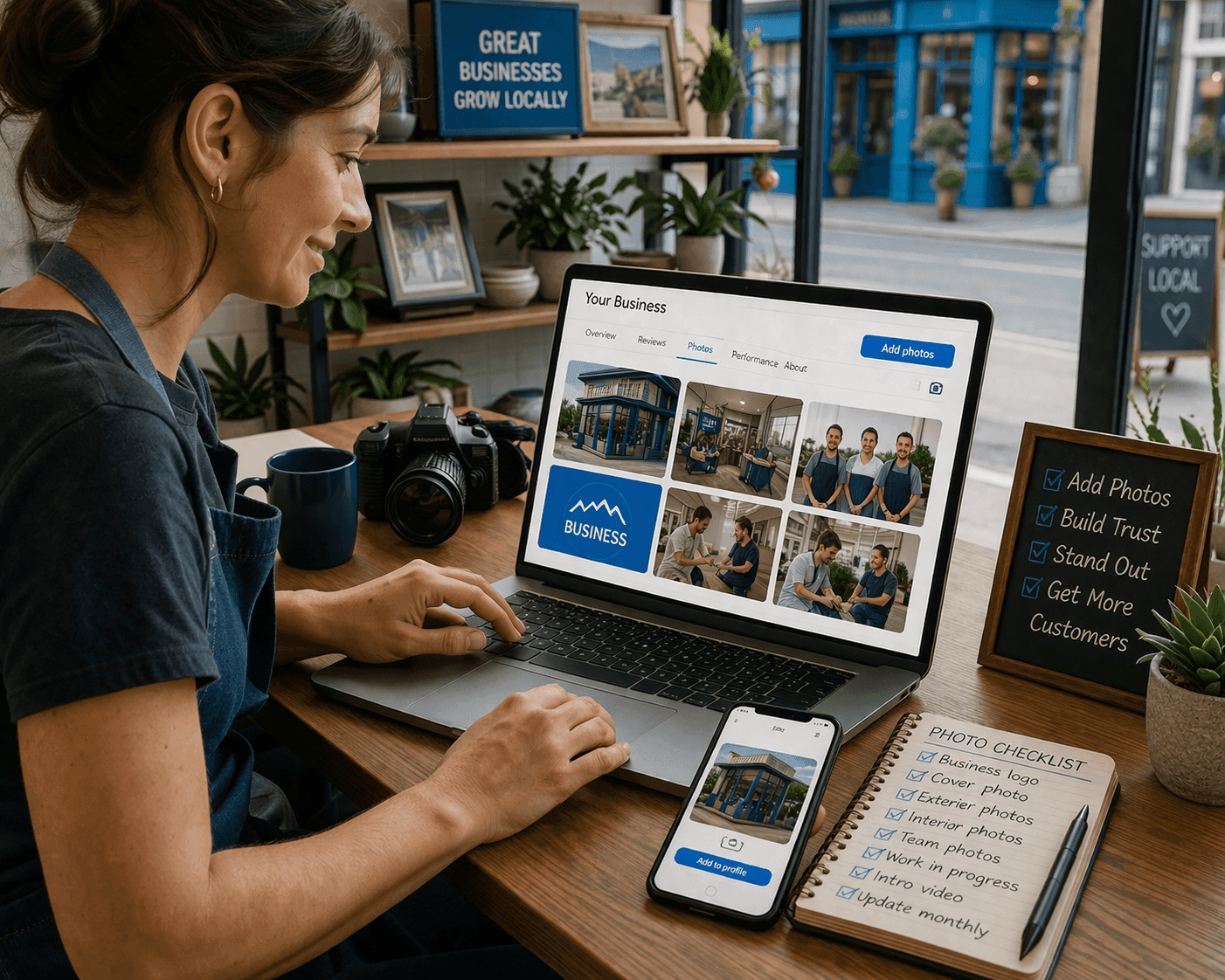
Images make your profile more engaging and increase trust. Upload professional photos of your location, team, and work — and include your logo.
Checklist:
- Added business logo and cover photo
- Uploaded interior/exterior photos
- Added short intro video (if available)
- Regularly updated photos every month
Write a Compelling Business Description
Your description helps customers understand what you do and helps Google connect you to relevant searches. Use this space to include your services and location naturally.
Checklist:
- Description written in plain language
- Includes main keywords and service area
- Highlights what makes your business different
List Your Products and Services
Checklist:
- All main services added with short descriptions
- Prices (if applicable) included
- Booking or contact links added

Collect and Respond to Reviews
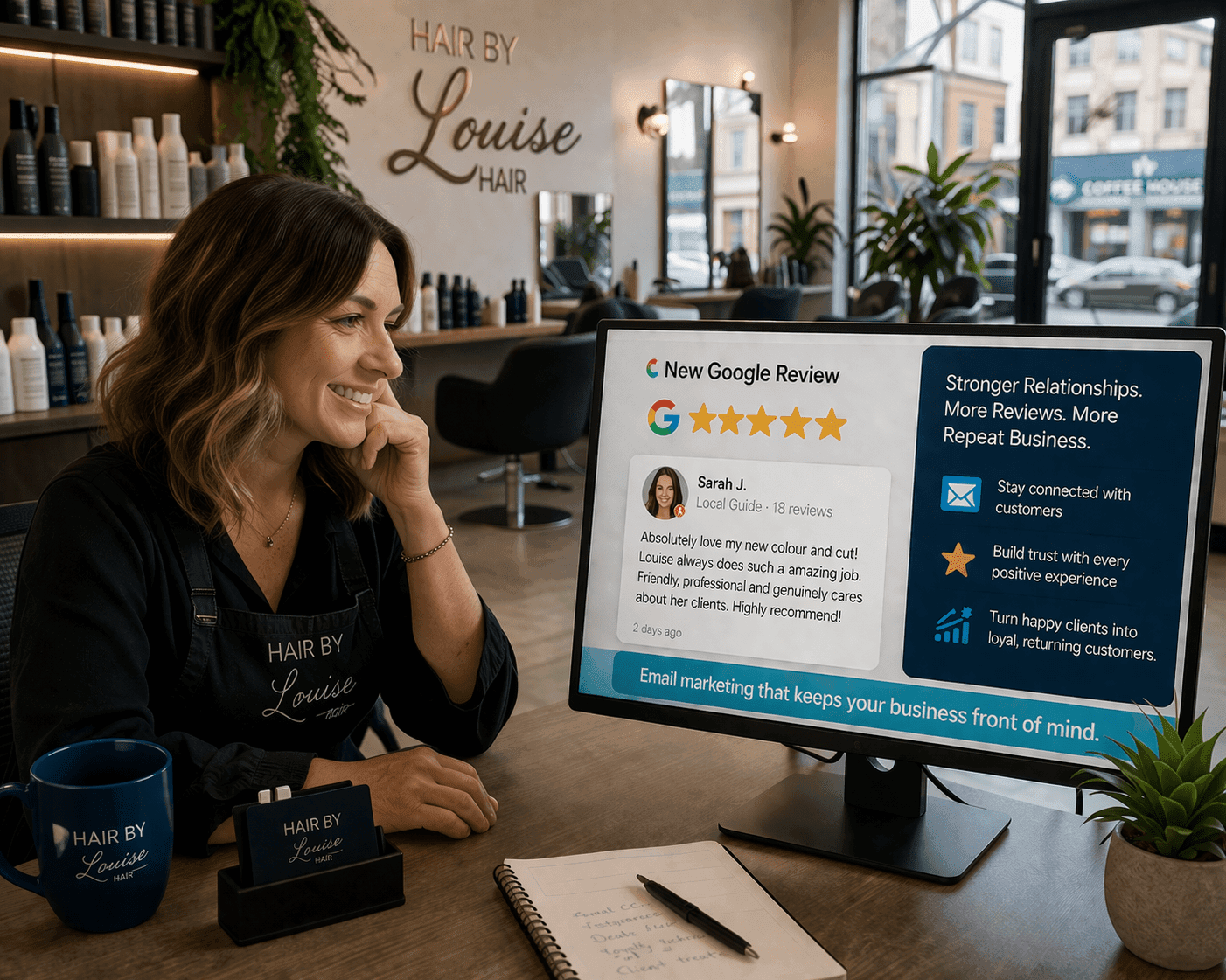
Reviews are one of the most powerful ranking signals. Encourage happy customers to leave feedback and reply to every review — good or bad.
Checklist:
- Requested reviews from satisfied customers
- Responded to all existing reviews
- Monitored new reviews weekly
Use Google Posts and Updates
Checklist:
- Posted latest news or promotions
- Added seasonal updates
- Included calls-to-action (CTA) in posts
Add Messaging and Q&A
Enabling messaging makes it easier for customers to contact you directly. You can reply in real time through the Google Maps app.
Checklist:
- Messaging enabled
- FAQs added in the Q&A section
- Replies monitored regularly

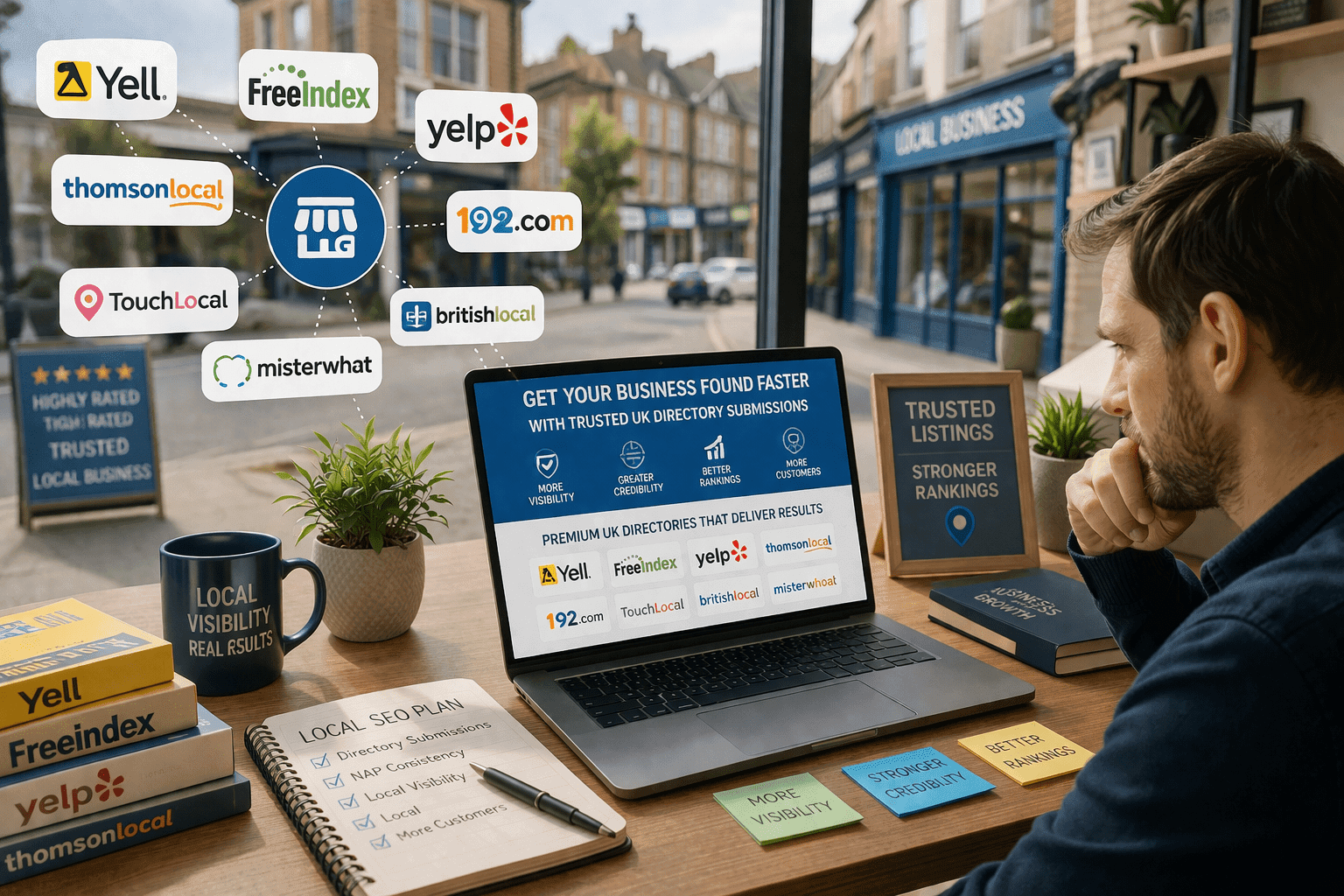
Strengthen with Local Links and Citations
Need Expert Help?