Getting Started with Google My Business
A well-optimised Google Business Profile (GBP) can be the single most powerful online asset for a local business.
It tells Google exactly who you are, where you are, and why you’re the best option for nearby customers.
It tells Google exactly who you are, where you are, and why you’re the best option for nearby customers.
If you’ve never created or updated your profile, this guide walks you through every stage — from claiming your business to fine-tuning it for maximum visibility.
500+
Projects Completed
100%
Client Satisfaction
7 Days
Average Delivery
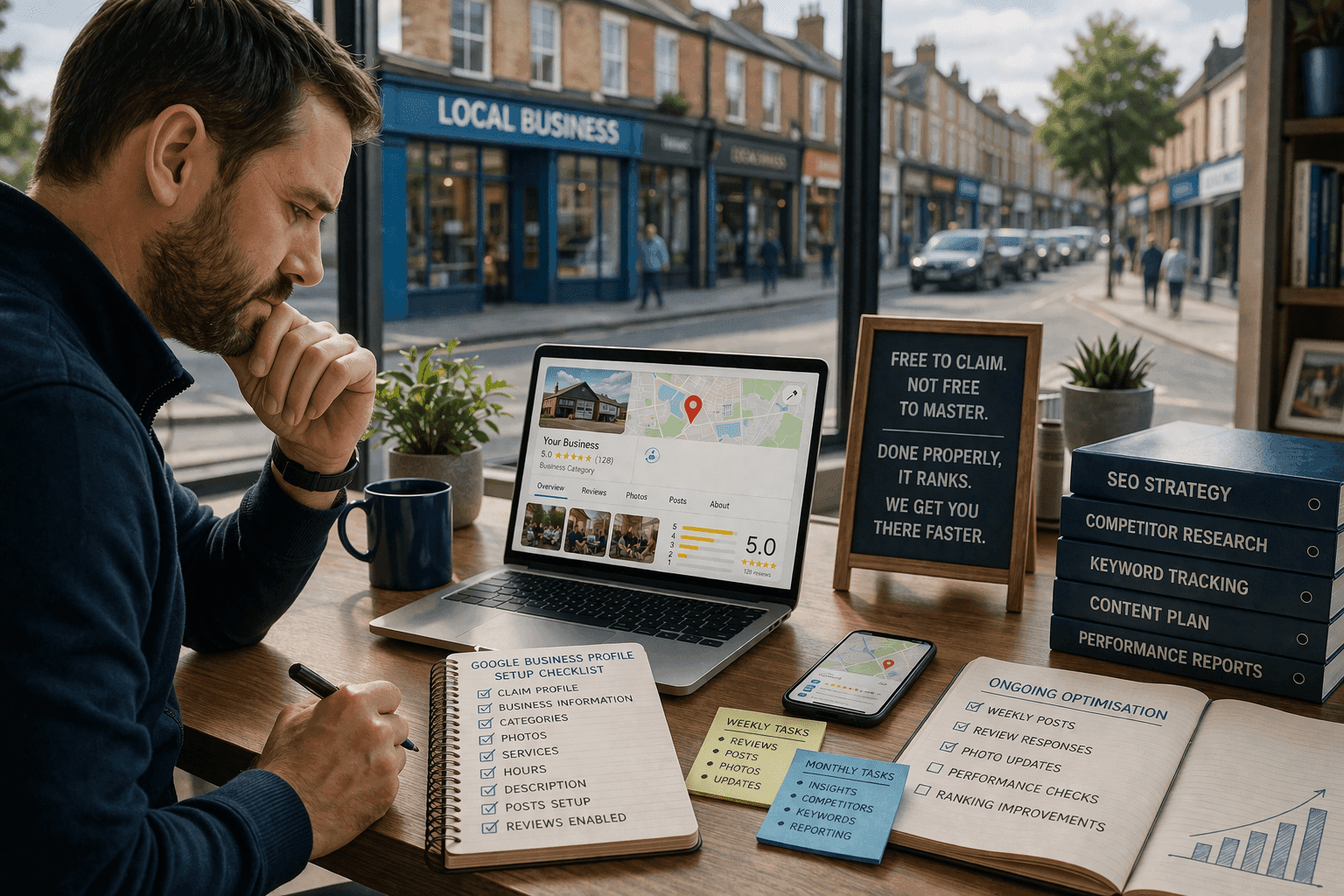
8 Steps to Get Started with Your Google Business Profile
Follow these proven steps to maximize your local visibility
🧩 Claim or Create Your Google Business Profile
- Click “Manage now” and sign in with a Google Account.
- Search for your business name — if it appears, claim it; if not, select “Add your business to Google.”
- Choose the correct business category (e.g., electrician, salon, restaurant).
- Enter your address or service area.
⚙️ Verify Your Business
Verification ensures that you’re the legitimate owner of the listing.
Depending on your business type, Google may offer:
Depending on your business type, Google may offer:
- Postcard verification (most common)
- Phone or email verification
- Instant verification (if you’ve already verified via Google Search Console)
Once verified, your business information becomes visible on Google Maps and local search results.
🖼️ Add Key Business Information
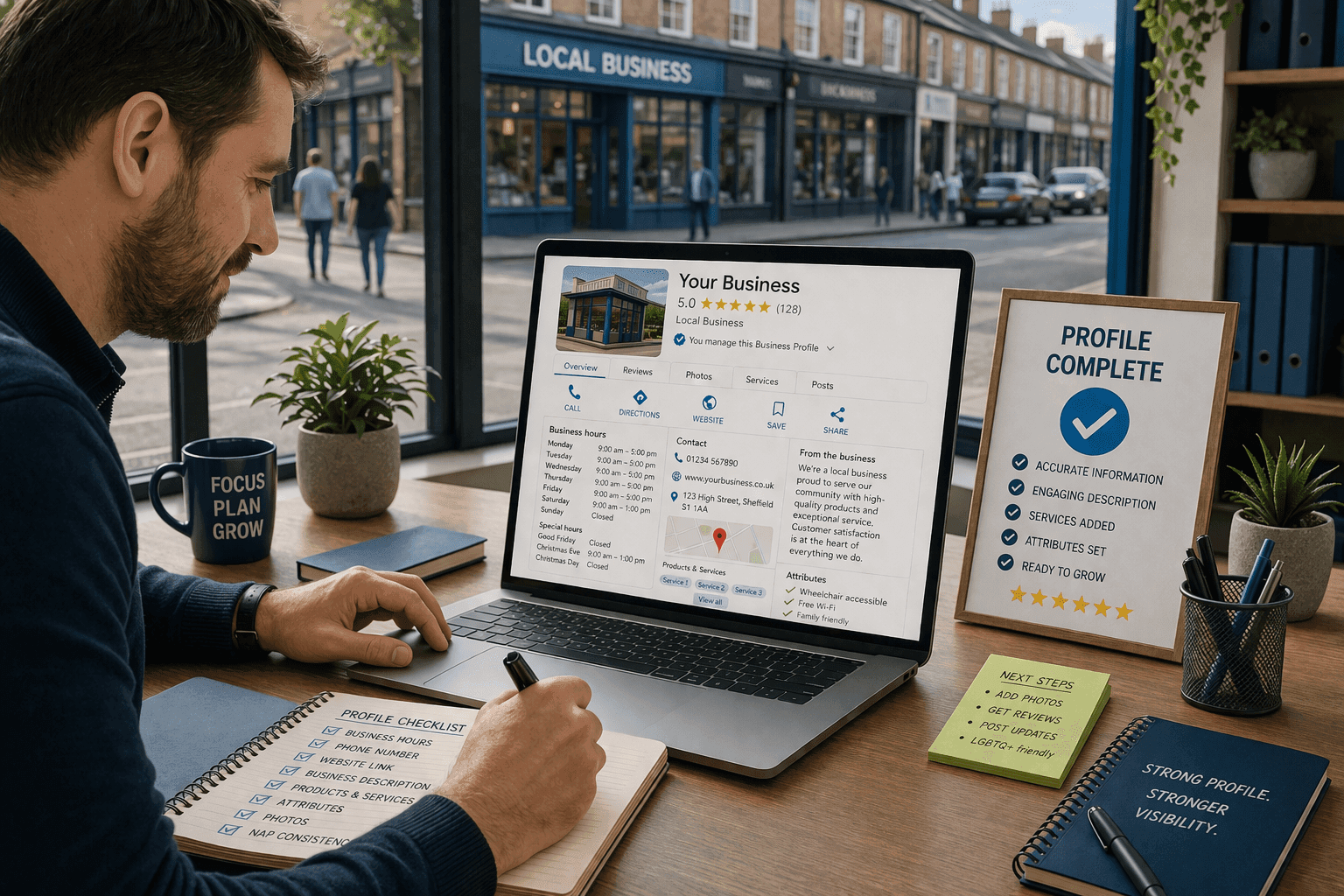
Make your profile complete and credible by filling in all relevant sections:
- Business hours (include special holiday hours)
- Phone number and website link
- Short, keyword-rich business description
- Products or services
- Attributes (e.g., “Wheelchair accessible,” “Free Wi-Fi”)
🧭 Pro Tip: Match your business name, address, and phone (NAP) exactly with your website and social media to strengthen your local SEO signals.
📸 Upload Photos and Videos
Profiles with photos receive 42% more direction requests and 35% more website clicks than those without.
Add:
Add:
- Your logo and cover photo
- Exterior and interior shots of your location
- Team photos or work in action shots
- Short video clips showcasing your business
Update images regularly — Google loves fresh, authentic content.
🗺️ Add Services, Products, and FAQs
You can list your core services directly inside your GBP dashboard.
- Each service name (e.g., “Web Design Packages,” “SEO Optimisation”)
- A short description and, if possible, prices or price ranges
You can also add Products — perfect for businesses selling physical goods.
💬 Add a short Q&A section under “Questions and Answers” to pre-empt common customer queries.
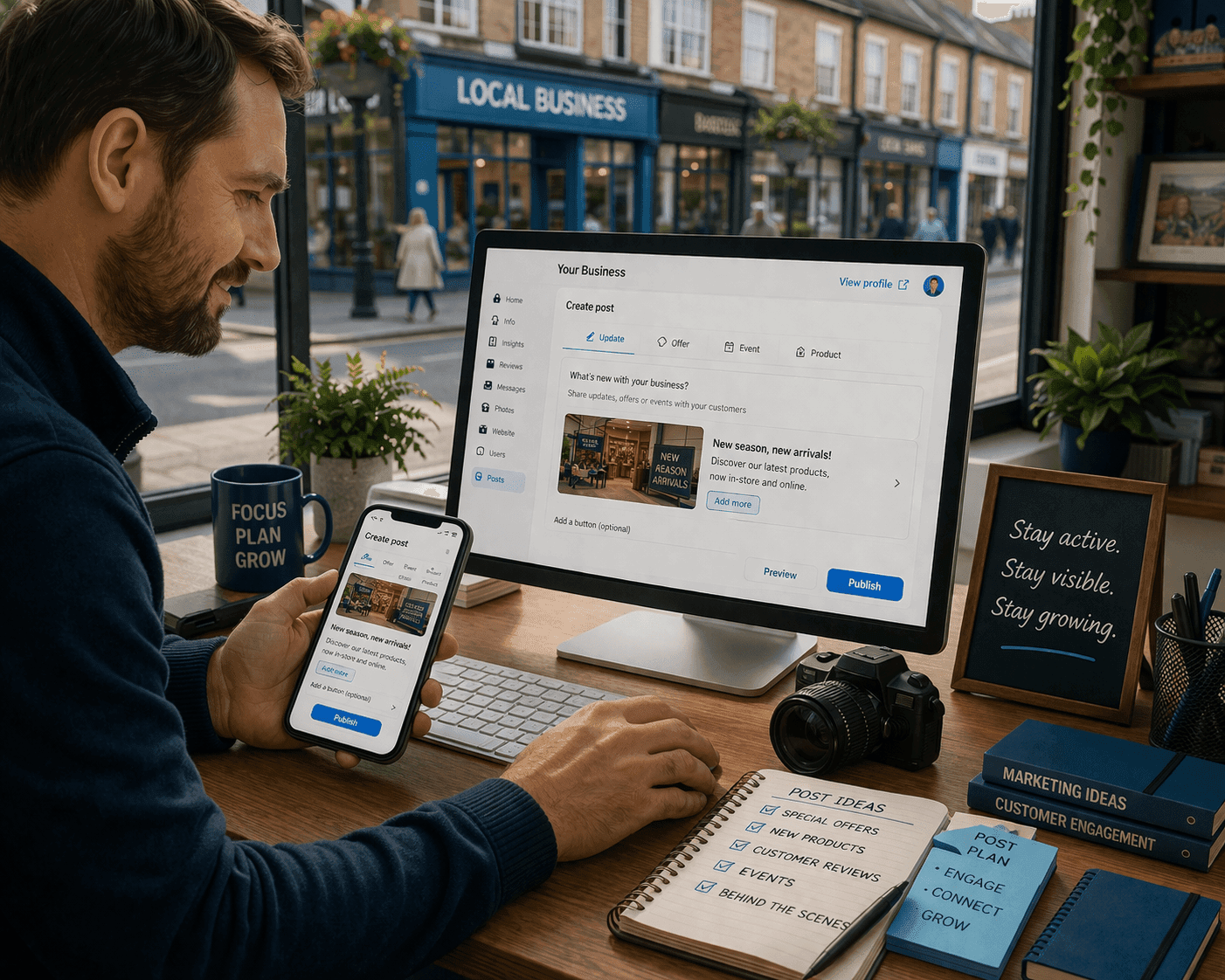
📢 Post Updates Regularly
Google Posts are like free micro-ads. Use them for:
- Announcing offers or seasonal promotions
- Sharing news or upcoming events
- Highlighting reviews or recent projects
Keep posts short, visual, and link back to your website for traffic.
🌟 Request and Respond to Reviews
Reviews influence both ranking and reputation.
- Ask satisfied customers for reviews after purchase or service.
- Always respond — even to negative ones — professionally and promptly.
- Avoid fake or incentivised reviews; Google detects manipulation.
🧠 Did you know? Businesses with 50+ reviews and an average rating of 4.5+ stars typically outrank competitors with fewer reviews.
📈 Monitor Performance with GBP Insights
Inside your dashboard, use Insights to track:
- How customers find you (Search vs. Maps)
- What actions they take (calls, website visits, direction requests)
- Which photos perform best
These insights show what’s working and where to improve.
Ready to get Started?
Managing your Google Business Profile takes time, consistency, and expertise — and mistakes can cost visibility.
Our Local SEO experts at InboxingProWeb can handle everything for you — setup, optimisation, and monthly updates — so your business stays visible and trusted online.